
Editorial briefs: Intent before output
Give the article a definition of done before writing begins.
Keep the audience, reader outcome, angle, keyword, key points, evidence needs and acceptance criteria beside the WordPress article.
From $9/month. Cancel anytime.
What you get
What this changes in your workflow
Define audience, outcome, angle, keyword, evidence and acceptance criteria before writing, then use the brief to guide checklists and review.
Preserve intent
The brief stays attached to the article instead of disappearing in a separate document or chat.
Plan manually first
Every brief field can be completed without AI.
Use AI as a proposal
A connected WordPress provider can suggest a bounded brief, but nothing is saved silently.
Turn intent into work
Convert approved brief criteria into article checklist items.
Review against the plan
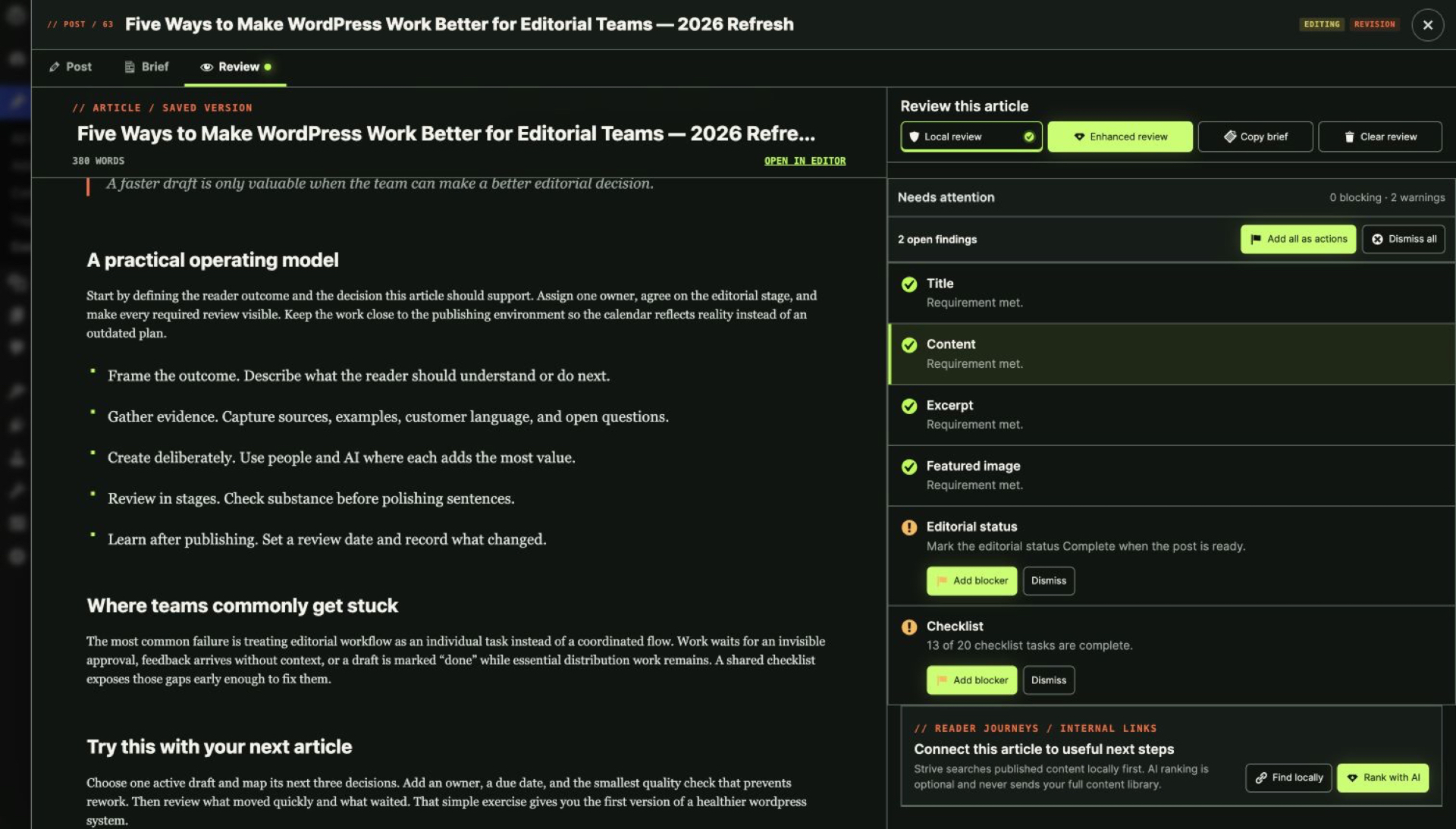
Enhanced Readiness can use the saved brief to judge whether the article serves its intended audience and outcome.
FAQ
Questions, answered
Can I create a brief without AI?
Yes. The brief is manual-first.
What information belongs in the brief?
Audience, reader outcome, angle, primary keyword, key points, evidence needs and observable acceptance criteria.
Does an AI proposal save automatically?
No. You review and save it explicitly.
Can brief criteria become checklist items?
Yes.
Are private notes included in an AI brief request?
No.
Upgrade to Pro
Try Pro on your own article library.
Pro replaces Lite on activation and keeps your existing calendar, statuses, checklists and notes.
From $9/month. Cancel anytime.