
Module 05: Strive Pro
Update the article without editing the live version.
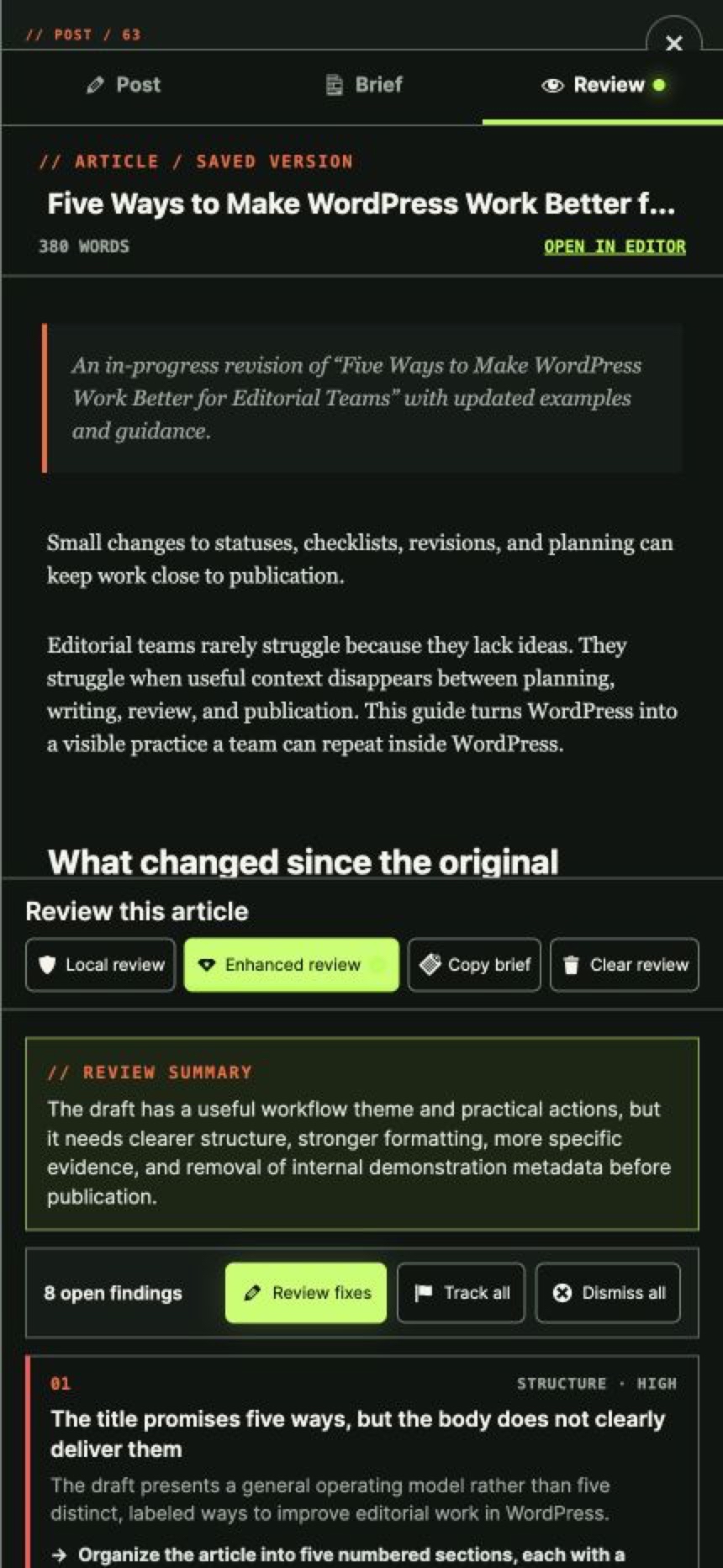
Create a protected working revision, keep the published article available, and replace it only when the update is ready.
From $9/month. Cancel anytime.
What you get
What this changes in your workflow
Work privately on a published article while the live version stays untouched, then republish safely without changing its URL or history.
Protect the live article
Readers keep seeing the current version while the revision is prepared.
Keep the URL and history
Republishing updates the original article rather than creating a competing URL.
Preserve supported article context
Carry title, body, excerpt, featured image, terms, supported fields and SEO values into the working copy.
Avoid silent overwrites
Detect when the live article changed after the revision was created and require resolution before replacement.
Put updates on the schedule
Treat refresh work as visible editorial work rather than an invisible edit session.
FAQ
Questions, answered
Does the original article stay live?
Yes. The live article remains available while the Strive revision is edited.
Does republishing change the URL?
No. The prepared content updates the original article, preserving its URL.
What if someone edits the live article meanwhile?
Strive protects against replacing newer live content without an explicit resolution.
Can revisions be scheduled?
Yes. The revision workflow can be planned alongside other editorial work.
Are safe revisions included in Lite?
No. Lite may explain the outcome, but executable safe revisions are a Strive Calendar Pro feature.
Upgrade to Pro
Try Pro on your own article library.
Pro replaces Lite on activation and keeps your existing calendar, statuses, checklists and notes.
From $9/month. Cancel anytime.