
You’ll want to frequently reorder your tasks as you optimize your content creation process.
Simply rearranging your steps can make content creation much faster and easier.
To reorder a task, start by clicking the Checklists tab to visit the Checklists menu.
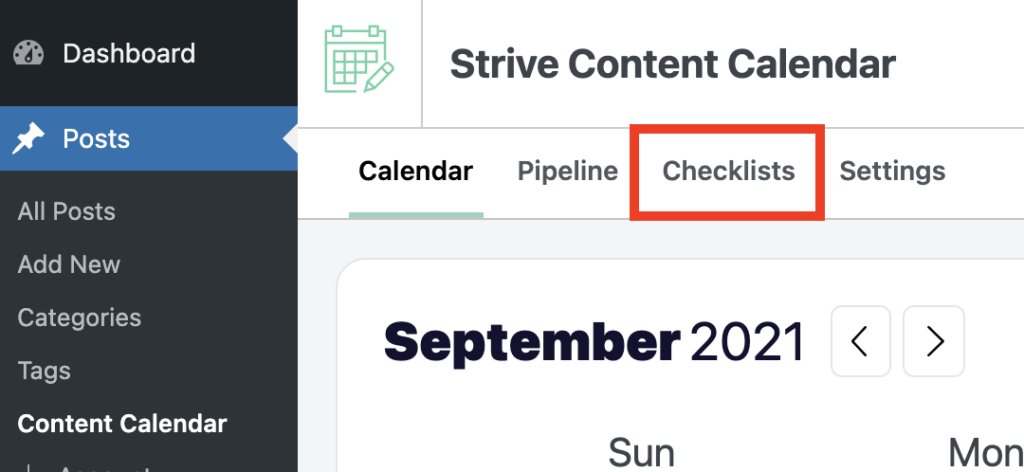
Next, locate the task you want to move and hover your cursor over it. You’ll see a “drag handle” on the left side.
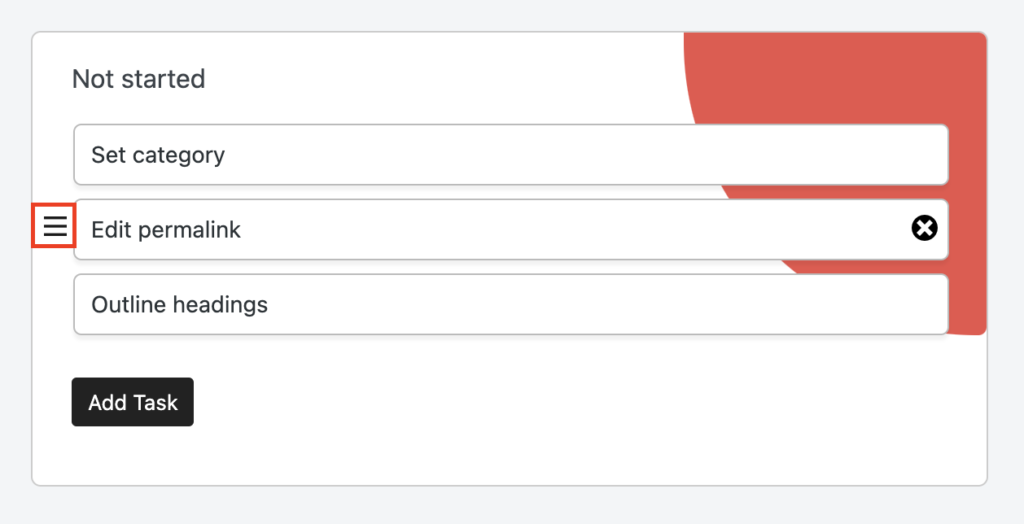
Click and hold the drag handle to drag and drop the task into a new position.
https://competethemes.wistia.com/medias/qghiwhnuyd?embedType=async&videoFoam=true&videoWidth=640
Tasks can be moved to new positions in the same section or added to different sections.
https://competethemes.wistia.com/medias/v8734bx2o5?embedType=async&videoFoam=true&videoWidth=640
When you’re finished reordering, remember to click the Save Checklists button at the bottom to save your changes.
Search
Search for
Categories
Related Tutorials