
Once you’ve saved your checklist items, they’ll show up immediately in all of your posts for all authors on the site.
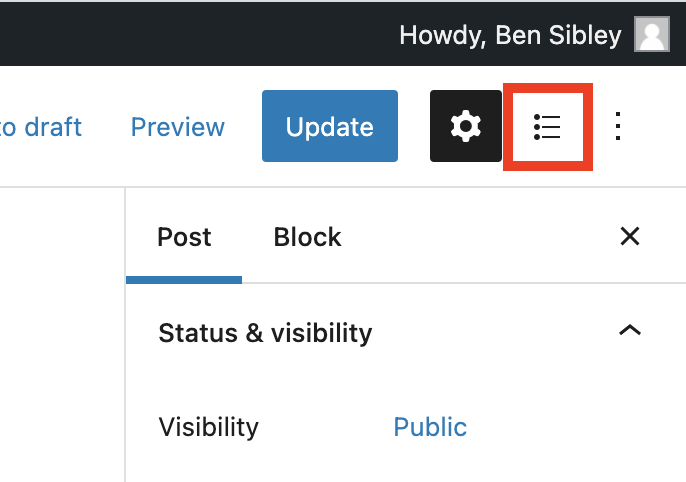
To access the checklist in a post, start by visiting the editor. Then, click on the checklist icon at the top of the editor sidebar to reveal the checklist.
The checklist is divided into four sections based on the editorial statuses, and the section corresponding to the post’s current status will be open by default.
As you complete your tasks, click the boxes to check them off.
https://competethemes.wistia.com/medias/z2449xv3nm?embedType=async&videoFoam=true&videoWidth=640
Your checklist progress will be saved whenever you save the post.
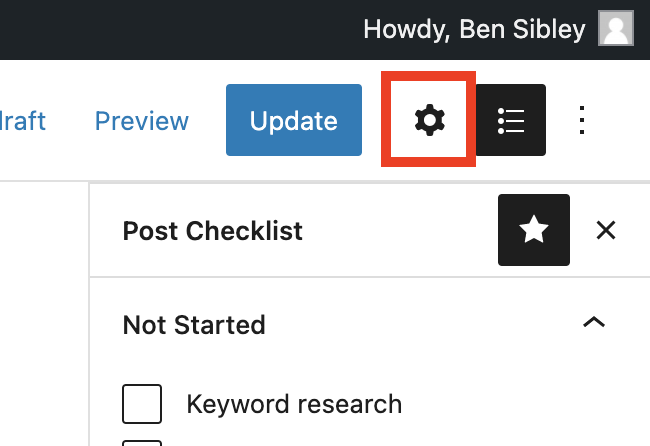
Unlike the standard sidebar, the checklist sidebar will stay open even when you select blocks in the post editor. To return to the regular sidebar, you can click on the gear icon.
If you’re using the Classic Editor, the entire checklist will be displayed in the right sidebar.
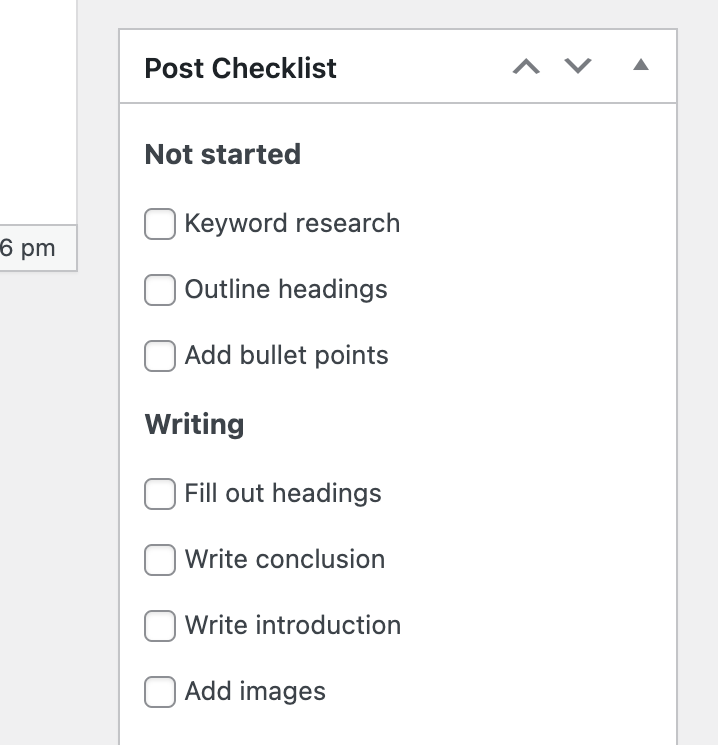
You can drag and drop the box higher up in the sidebar for easier access.
Search
Search for
Categories
Related Tutorials